Payroll that understands a construction week
Payroll that understands a construction week: penalties, public holidays, and rain pay
Payroll in civil construction is never just "hours × rate." A single fortnight can carry Saturday and Sunday penalties, a public holiday that lands mid-week, a night shift, an RDO, and — this being an outdoor industry — a couple of rained-out days where the crew still gets paid. Get any of it wrong and you're either underpaying your people or overpaying and eating the cost.
This release reworks how Subgrade handles all of it, end to end — from the way hours are classified, to how they're paid, to where you configure the rules. Here's what changed and why it matters.
Penalty rates that match your agreement
Saturday, Sunday, and public holiday work now flow into their own pay categories, each with a configurable multiplier set per pay grade. If your enterprise agreement pays Sunday at double time and public holidays at 2.5×, that's a setting — not a hard-coded assumption and not a spreadsheet formula you have to maintain.
Crucially, only hours actually worked on site attract penalties and overtime. Leave and rain pay sit at base rate and never inflate the overtime threshold. This means a 6-hour worked day plus 4 hours of annual leave doesn't accidentally tip into overtime. It's a small rule with a big effect on getting the numbers right.
Australian public holidays, detected automatically
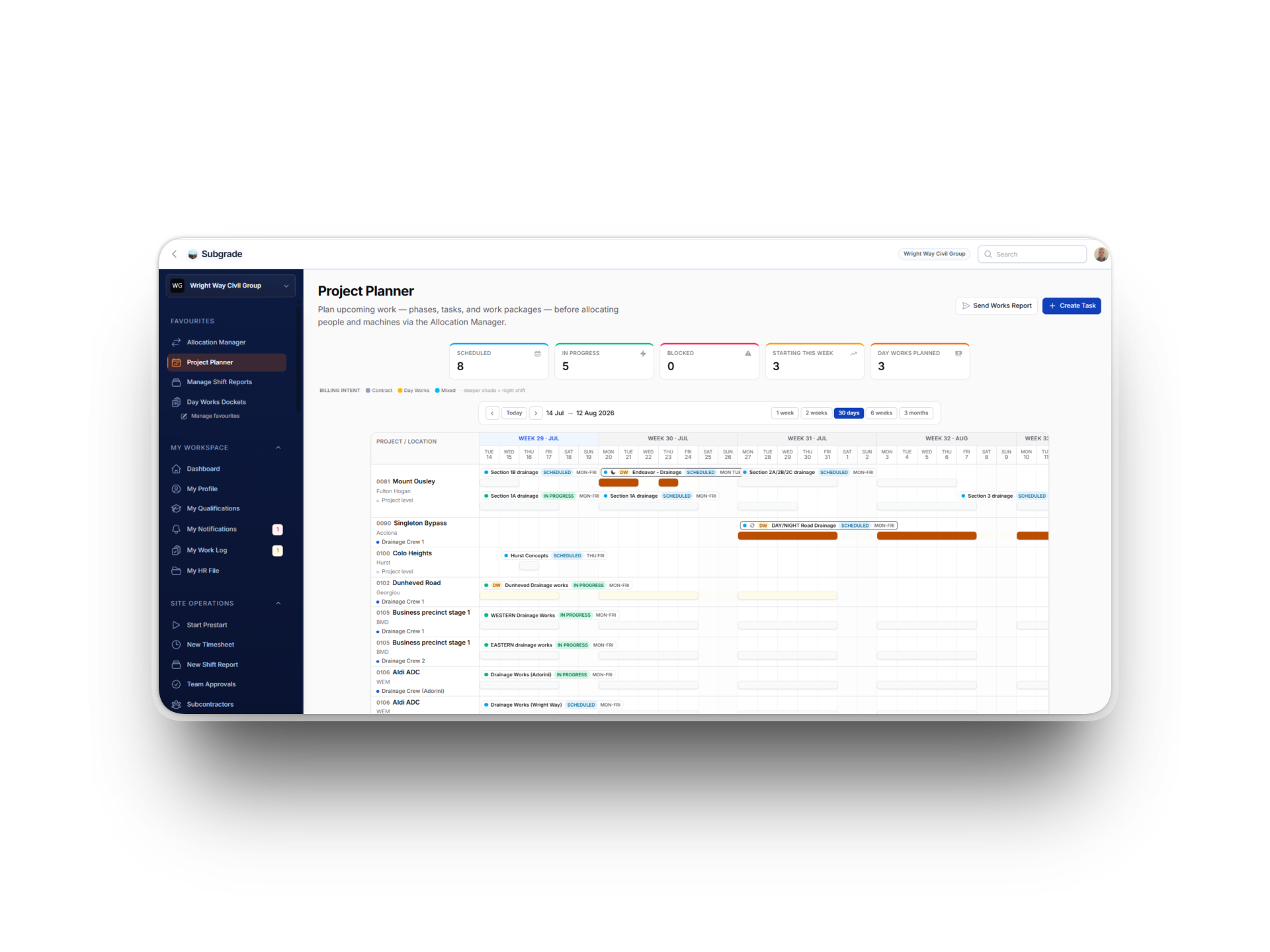
Tell Subgrade which state your workspace operates in, and it knows the public holidays — including the Easter-relative dates and substitute days that trip up manual calendars. Those days automatically drive the public-holiday penalty rate, and they're now marked on the Allocation Manager and Project Lookahead timelines, so you can see a holiday coming before you roster a crew onto it.
Need to handle a local or regional show day that isn't gazetted statewide? You can add (or remove) a specific date as an override. The automation covers the 95%; the override handles the rest.
Rain pay, done properly
Rain pay is one of those things every civil contractor deals with, and almost no generic payroll tool handles well. We gave it a proper engine.
You set an effective-dated rain-pay policy for your business — a per-day hours cap, plus a monthly cap expressed in either hours or distinct days. Because it's effective-dated, a mid-year change (say, moving from "4 hours per rain day, unlimited" to "three 8-hour days a month" from 1 July) applies cleanly from the day it takes effect, without you having to touch historical pay runs.
From there, the system does the bookkeeping:
Rain pay appears as its own line on payslips and exports, at base rate — never buried inside ordinary hours, never carrying a penalty it shouldn't.
The monthly cap fills chronologically. Each rain day only counts what's already been claimed earlier that month, so the entitlement is consumed in date order and the maths is consistent no matter how the pay run is assembled.
Over-cap hours simply aren't paid. The cap is enforced at payroll calculation time, so a month's worth of rain can't quietly blow the budget.
Workers get a heads-up at entry. When someone marks a timesheet entry as rain pay, they see how much of their monthly entitlement is left and receive a warning if the hours they've entered won't be fully paid. Fewer surprises at payday.
Settings that don't fight you
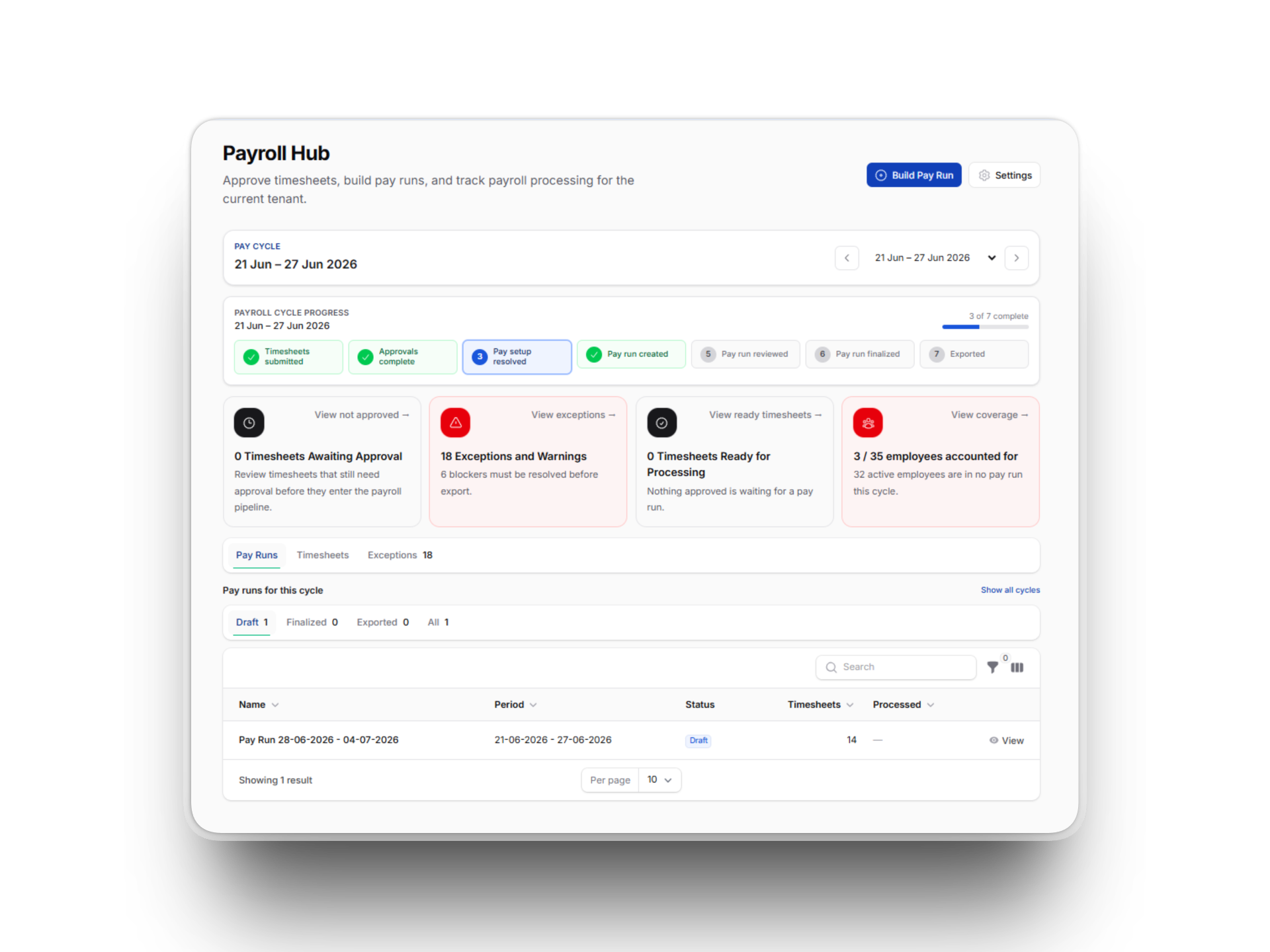
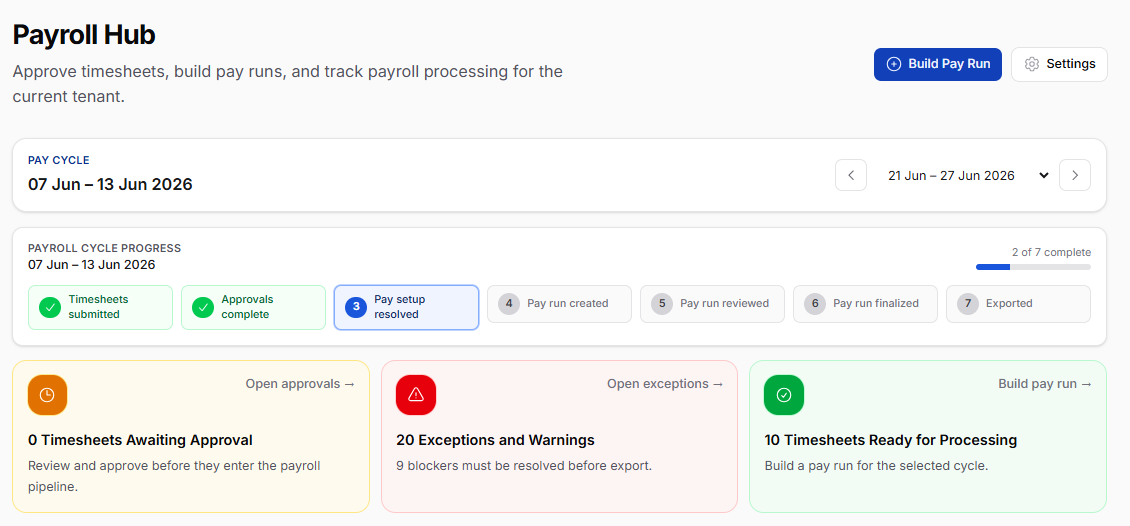
All of this needs somewhere to live, and the old Payroll Settings page had become one long scroll. We split it into five clean tabs: Approvals, Pay Cycle, Allowances, Rain Pay, and Export, and gave the Rain Pay tab a simple editor for managing your effective-dated policies.
While we were in there, we completed the export-label mapping. Saturday, Public Holiday, and Rain Pay can now be mapped to the exact earnings codes your payroll software expects. We also gave the Workspace Settings page the same tabbed treatment, with a direct link through to Payroll Settings.
(We also quietly fixed a display bug where default shift times could render in the wrong timezone — the stored values were always correct, but the settings screen could show 7am as 5pm under certain workspace timezones. It now shows exactly what you set.)
Getting set up
If you're on a relevant agreement, three things will get you the full benefit of this release:
Set your public holiday state under Workspace Settings → Localisation.
Check your penalty multipliers on each pay grade.
Add your rain-pay policy under Payroll Settings → Rain Pay.
That last step is what brings the rain-pay engine to life — until a policy exists, nothing is capped. Once it's in, the warnings, the caps, and the dedicated payslip line all switch on.
Construction payroll will never be simple. But it can be correct, automatic, and auditable — and that's what this release is about.