A big fortnight: smarter pay, week planning, and talking to your crew
It's been a busy couple of weeks. Our last update was about how Subgrade looks; this one is about what it can now do. We've shipped a stack of features across pay, planning, and communication — most of them straight off the back of things you've told us were fiddly or missing. Here's the tour.
Travel allowances that match how you actually pay
The old travel allowance was a blunt yes/no toggle. It didn't know the difference between a bloke in his own ute clocking up kilometres and a crew car-pooling in a company vehicle — and it certainly didn't know what you actually pay for a run out to a distant site.
Now it does. You set travel up the way you already think about it:
Own car pays a rate per kilometre.
Company vehicle pays travel time instead of km — passengers get the time, not the fuel money.
On the project, you enter the actual paid travel for a round trip to that site (the time and the km), and payroll pays exactly that — no guessing at thresholds, no accidental doubling.
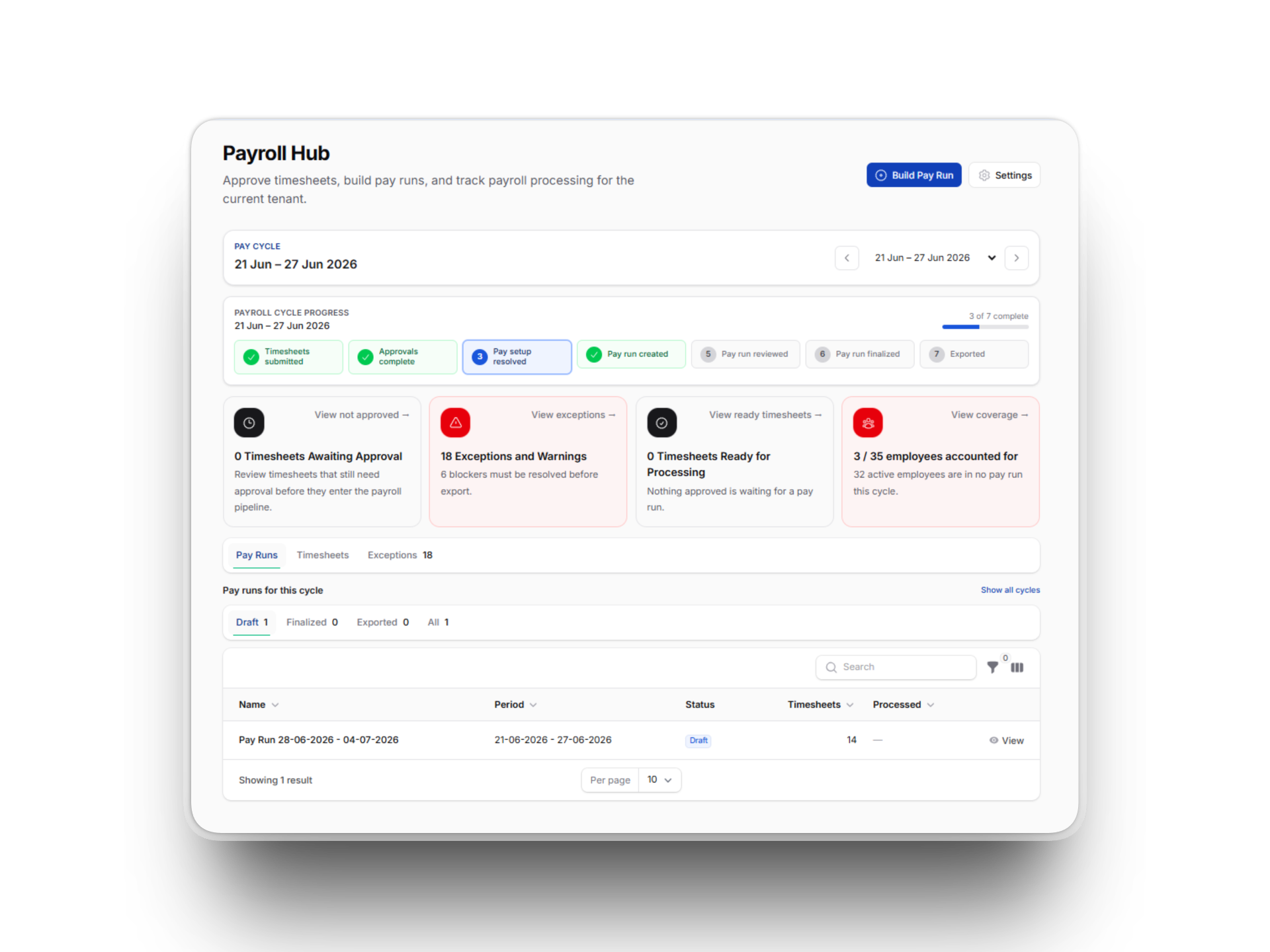
For living-away (LAFA) jobs, travel only gets paid on the first and last day of the stint, and the crew usually car-pool up together. That's not something the app can guess, so we added a quick "Review LAFA travel" step on the pay run — you confirm who travelled and it drops the right lines in. No more hand-adding them and hoping you got it right.
Pay salaried and day-rate staff, not just hourly
Subgrade used to assume everyone was rate × hours. That's fine for the crew, but not for a salaried supervisor or an office manager. You can now attach a salary or a day rate to an employee's pay level, and the pay run handles them correctly — salaried staff get paid their period amount whether or not they filed a timesheet, and day-rate staff get paid per day worked.
While we were in there, the Pay Rates list picked up a Cost / Hour column so you can see the true fully-loaded cost of a pay level — base rate plus on-costs plus allowances — at a glance, along with a headcount of who's on each level.
Keep management pay and subbies off the payroll rail
Two long-standing annoyances, sorted. If some of your people are paid entirely through external accounting — typically upper management — you can now flag them as excluded from payroll. They stay in the system as real users for HR and allocations, but they stop cluttering pay runs, coverage counters, and per-person cost roll-ups. Their cost still lands in the budget via your combined management-salaries overhead.
Subcontractors have also been cleanly separated from the payroll rail — they bill you via invoices (below), not through pay runs, so they no longer leak into your payroll coverage or pay-run figures. And office staff who don't need allocating can be hidden from the Allocation Manager so they stop showing up in pickers and coverage gaps.
Log subbie work and turn it into an invoice
This is a big one. Until now the app only handled day works flowing out (you billing a client). We've built the other direction: a subcontractor working on your job can log their work, line by line, against the project — picking a rate from their approved rate card or entering one ad-hoc.
A manager approves it (that's your control point), and approved lines quietly accrue onto a draft invoice. At month-end you finalise it once and it becomes a proper RCTI (Recipient-Created Tax Invoice), with the cost posted straight to the budget. Casual subbies who aren't worth a full login can even submit via a QR link, landing in the same approve-and-invoice flow.
For lump-sum subbies who work to a schedule of rates rather than logging hours, there's a simpler Subcontract Claims path — they submit "$X for stage Y", you approve it, and it posts to the budget as a subcontract cost.
Plan the week: plant, crew, and a works report
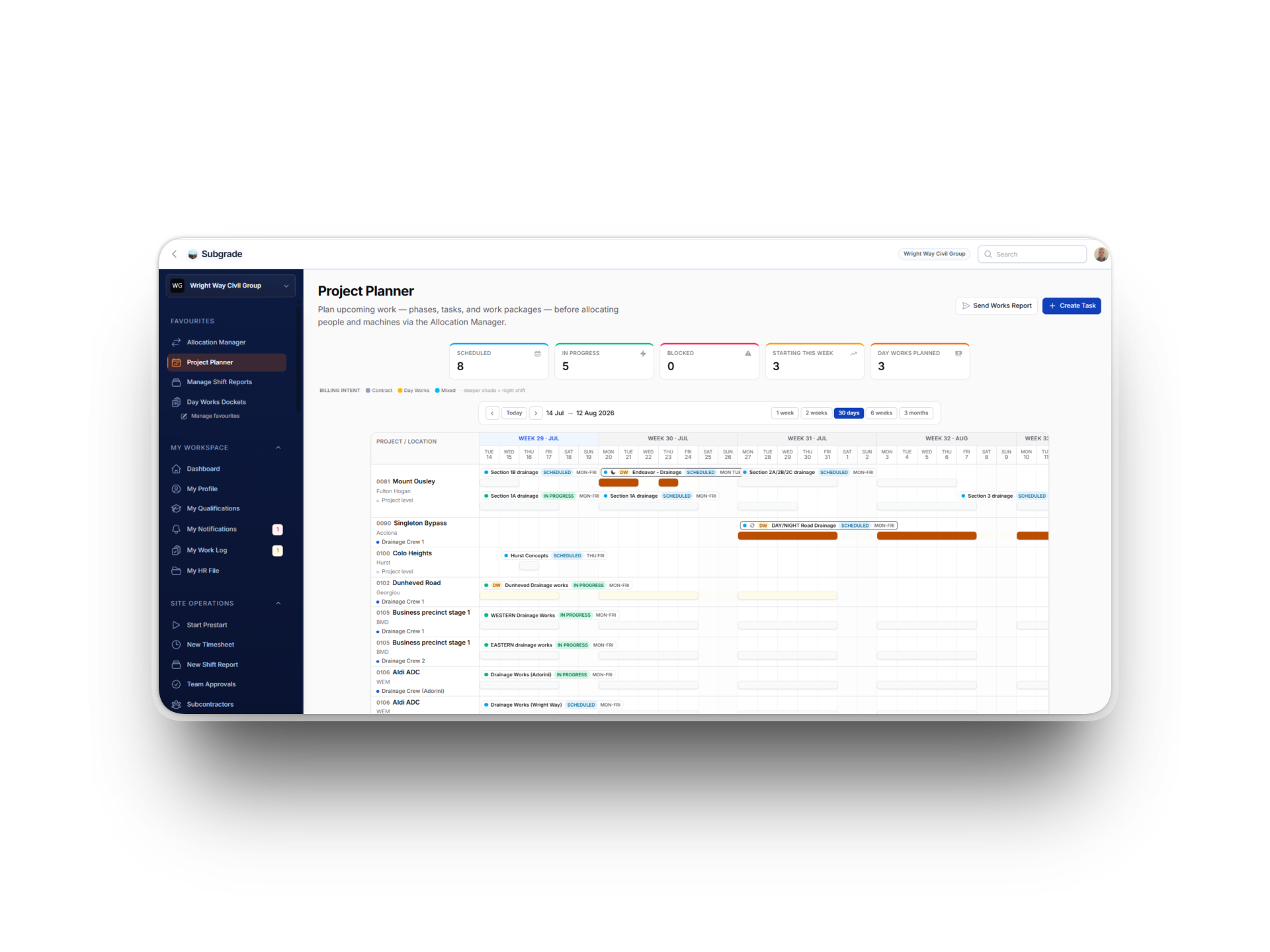
Project Lookahead has grown up and is now the Project Planner. You can attach plant and crew directly to a task — with a warning if a machine or worker is already committed elsewhere in that window — so the plan reflects what you actually intend to run.
Once a task is set, you can spawn allocations straight from it into the Allocation Manager rather than re-entering everything. And there's a new Send Works Report button: it composes a lookahead over the window you pick and sends it to the crew as a PDF — so everyone knows where they're meant to be next week.
Message your whole workforce in one go
Say the yard's closed Monday, or a site induction's changed. New Broadcasts let a manager compose one message and send it across in-app, email, and SMS at once — to everyone, or to a role, a project, or a hand-picked list. You can attach company or project documents, schedule it for later, and every send is kept in a full history so you can see exactly what went out, to whom, and through which channel.
Catch machines that have drifted onto the wrong job
Allocations get missed — someone floats a machine and forgets to log it. The prestart is the one thing an operator does every shift, on the actual machine, at the actual job, so we made it the safety net. If the machine you're doing a prestart on isn't allocated to the job you're standing on, Subgrade now asks — "right machine? has it moved?" — and lets you confirm the move on the spot, attachments and all.
Vehicles skip prestarts, so their odometer goes stale and servicing predictions drift. There's now a weekly one-tap kilometre check-in for whoever the vehicle's assigned to, feeding the same servicing engine — no more chasing drivers for a reading.
Budget figures you can trust
A few tenants hit cases where budget numbers looked off. We chased them all down:
A single worker with a missing pay rate used to poison the whole day's costing — now that one worker degrades to a flagged, skippable row and the rest of the day still costs correctly. Failed days also self-heal on a clean re-run, and there's a one-click "retry failed" for the stubborn ones.
Fuel and machine costs no longer silently drop to $0 when a machine has no individual cost profile — you can set cost rates per asset category and every machine in that category inherits them, with per-machine overrides where you need them.
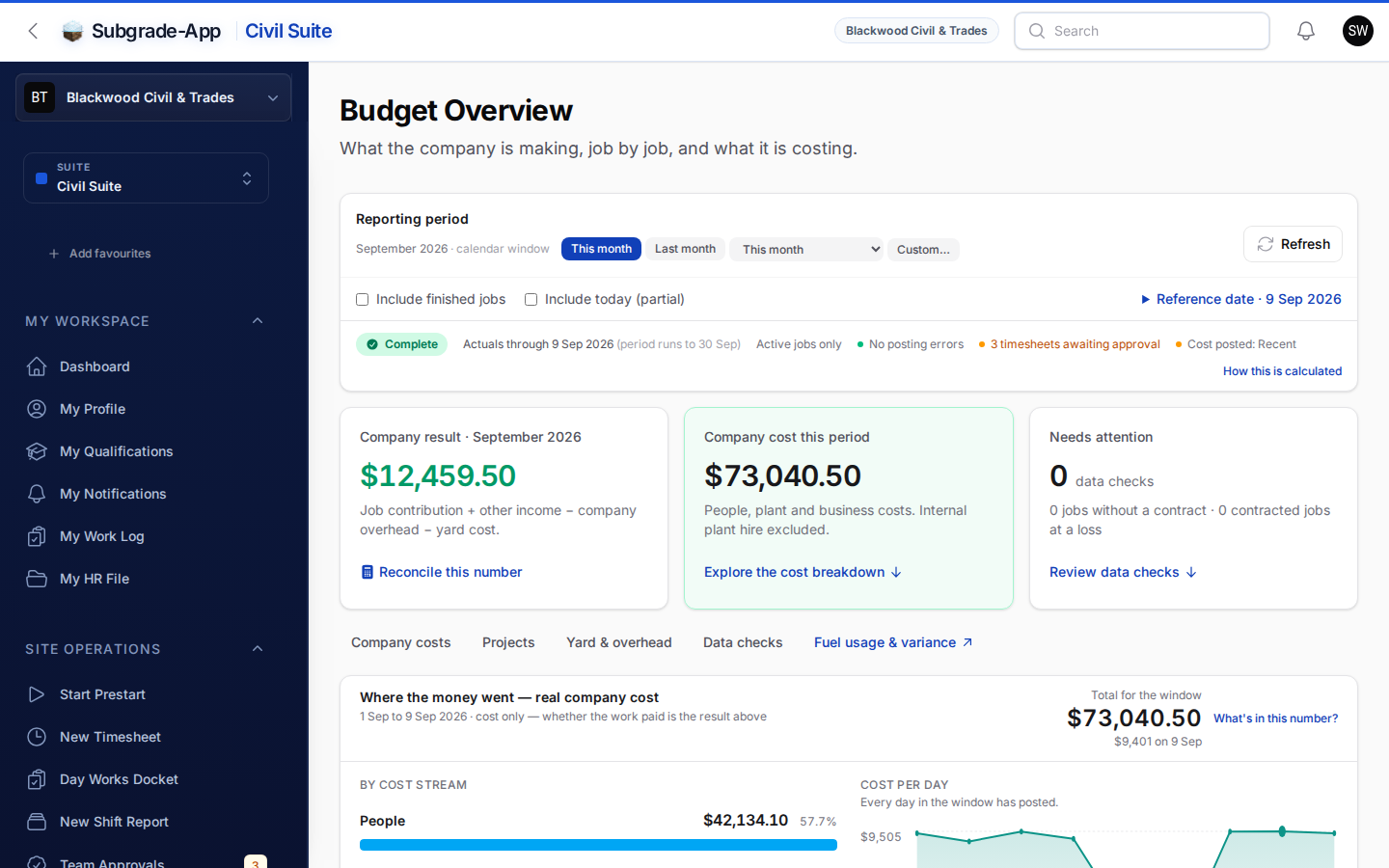
A new Budget Readiness panel tells you plainly what's stopping a complete picture — "these workers have hours but no pay level", "these machines have hours but no cost rate" — and turns green when everything's flowing.
The cost Composition breakdown now includes the subcontract, materials, and float streams it was previously leaving out.
Workers Comp is now a real claim tracker
Workers Compensation went from "create an entry and that's it" to an end-to-end tracker. Open a claim and manage the whole thing: appointments, medical certificates, capacity and return-to-work, disputes, expenses and running cost, with photos and documents attached. (We also squashed a bug that was showing the total claim cost 100× too small — worth knowing if you'd glanced at that figure before.)
Day Works dockets: the paper-docket fix and a tidier hub
If you recorded a physical paper docket, the app wasn't actually capturing the photo of it — so your billing evidence pack had a hole in it. Fixed. The worker hub that got cluttered with a card for every project that had any plant on it has been decluttered, mobile docket creation is smoother, and there are cleaner period exports for billing.
Smaller things you'll appreciate
Notification detail pop-ups now read as plain English instead of raw data.
An employee's profile header now shows their payroll and allocation status at a glance.
The dashboard sidebar is now a steady navy "command rail" so it stays put and reads clearly in both light and dark mode.
A handful of allowance display and counting fixes — including one where a $33 allowance was showing as $3,300.
As always
Nearly all of the above came from someone telling us where the app was slowing them down. Keep it coming — if something in here doesn't work the way your business does, we want to hear about it. Drop us a note via the in-app feedback link or reach out directly.
Cheers.